
Advertisement
Click to download now, finish the installation quickly, and directly unlock the all-round experience
Advertisement
Screenshots
Click to download now, finish the installation quickly, and directly unlock the all-round experience
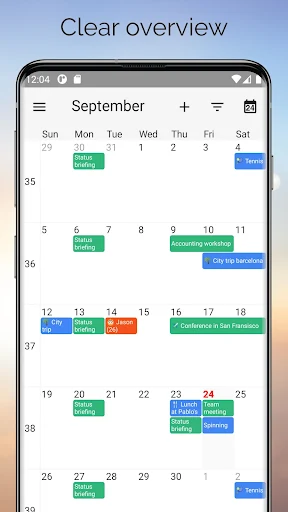
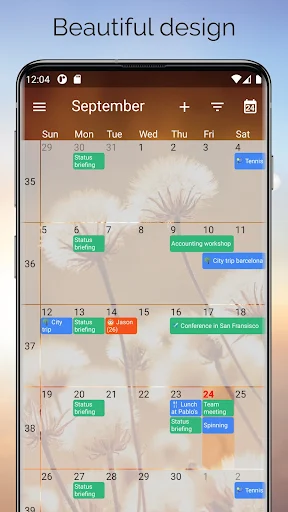
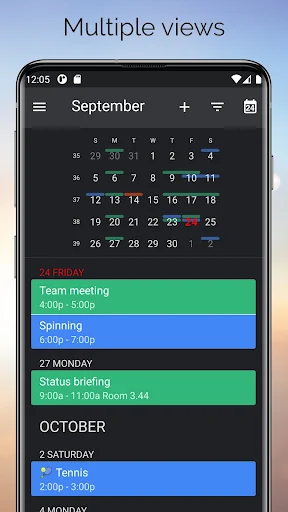
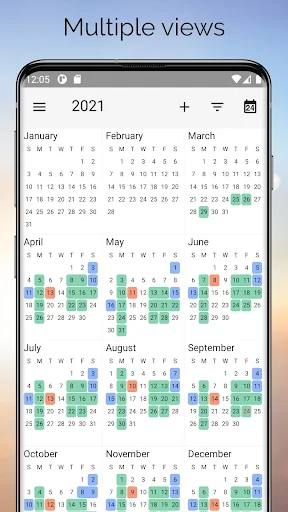
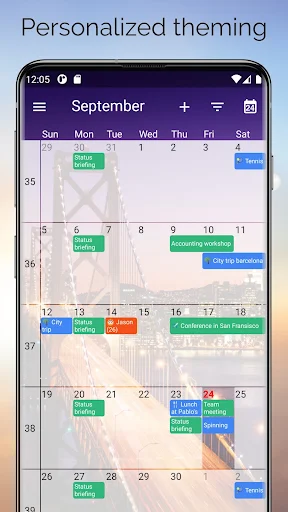
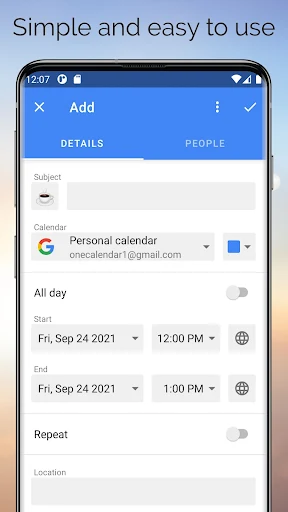
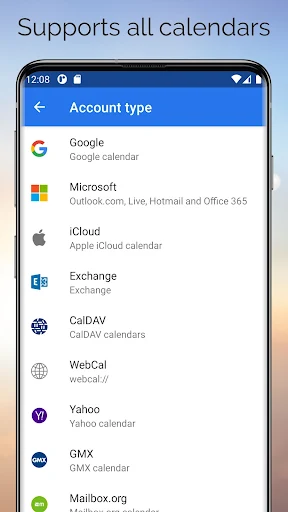
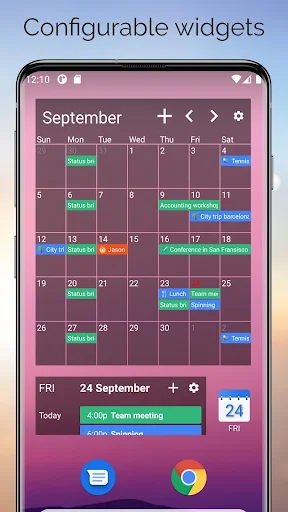
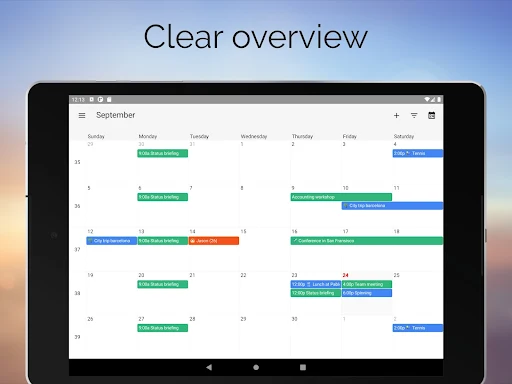
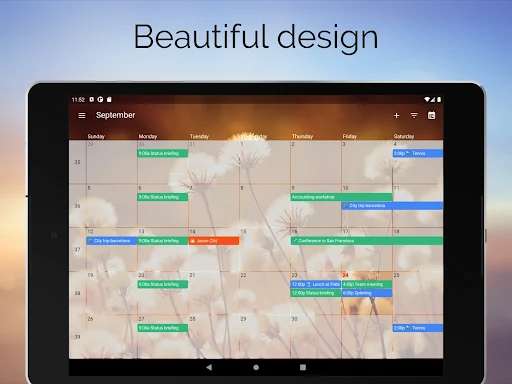
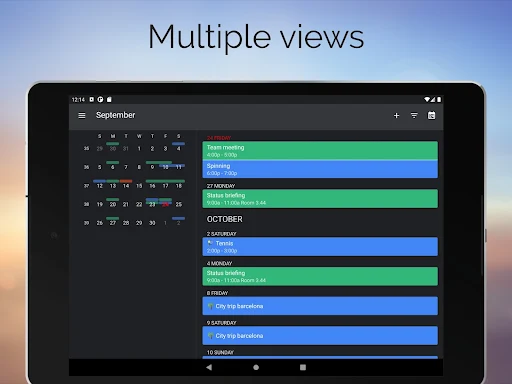
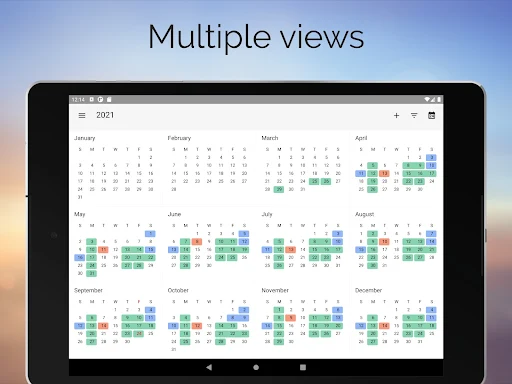
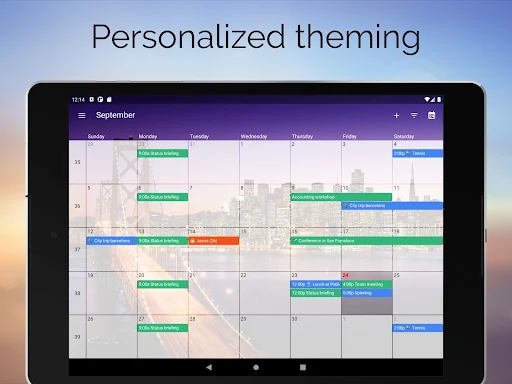
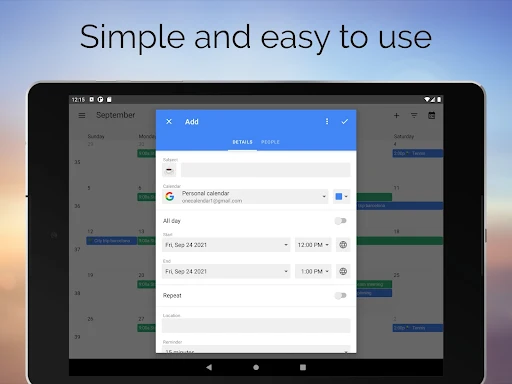
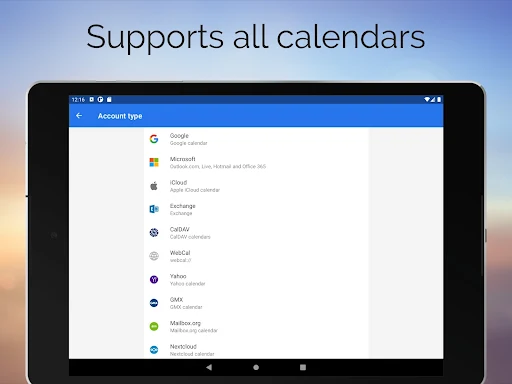
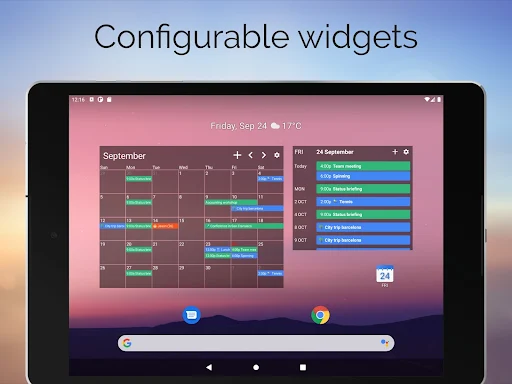
One Calendar is a productivity app for viewing and managing appointments, events and birthdays from multiple calendar services in one overview. The listed services include Google, Outlook, iCloud, Exchange, Office 365, Yahoo, Nextcloud, Synology, GMX, Mailbox.org and ownCloud. It may suit someone who keeps personal and work schedules with different providers and wants to see them together.
If you use only one calendar, the main benefit may be limited. If you rely on several, check that the specific services you use are supported and that the app handles the events you need. One Calendar is from Code Spark. Its listing reports a 4.69 rating from about 64,900 ratings and more than 1 million installs; those figures indicate use, but do not tell you whether its setup fits your accounts.