Passwords and other records in one vault
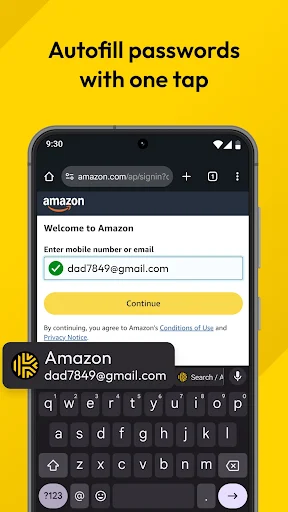
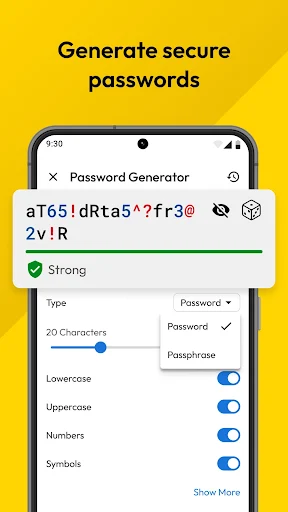
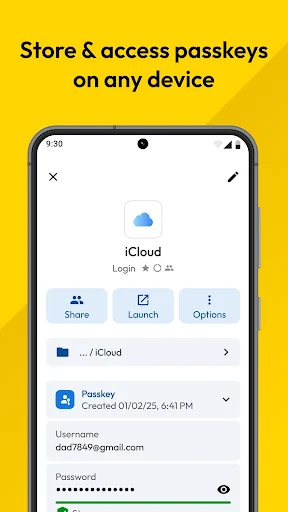
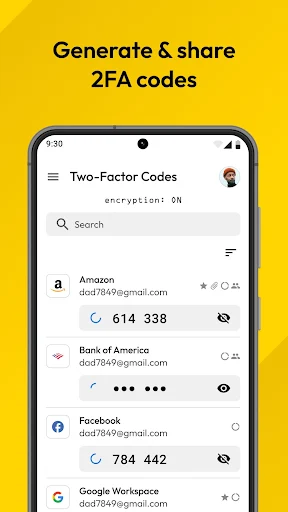
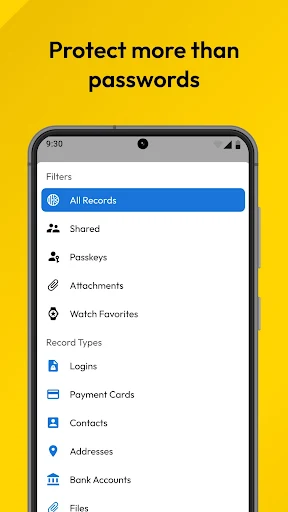
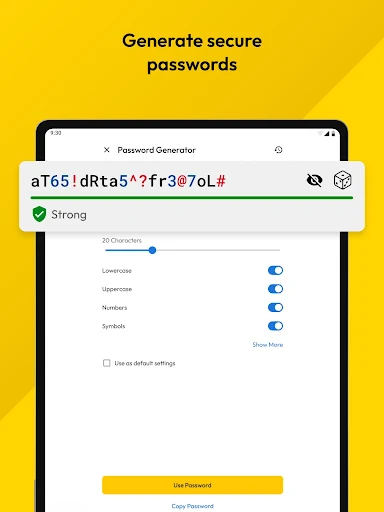
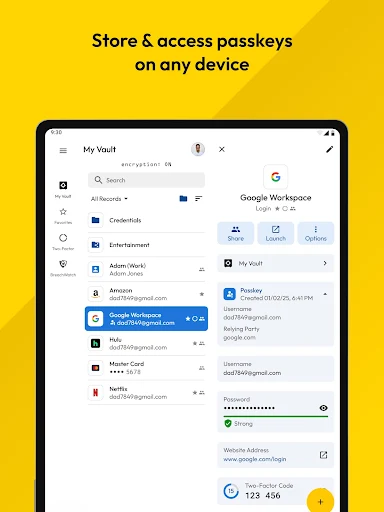
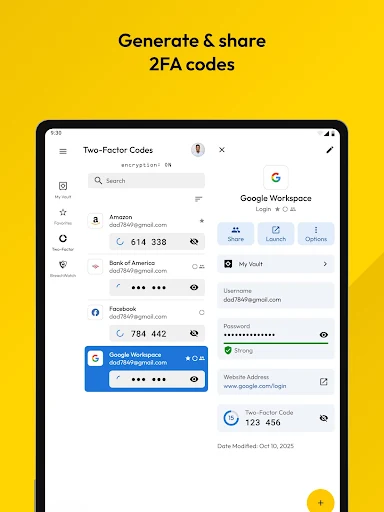
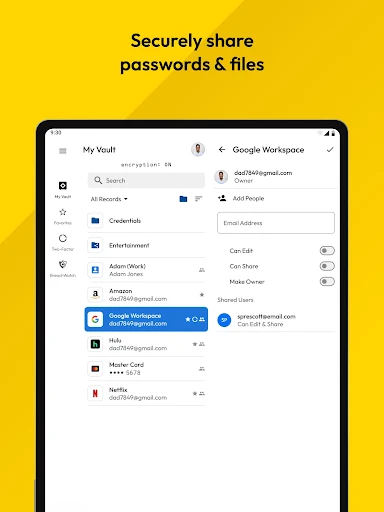
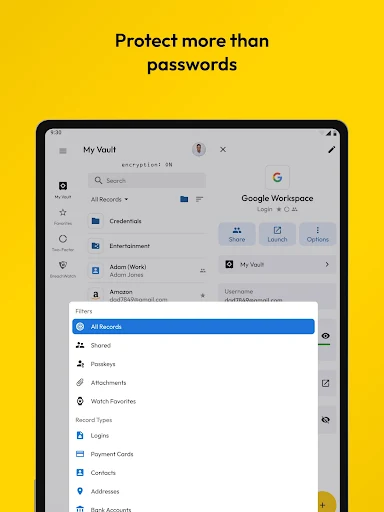
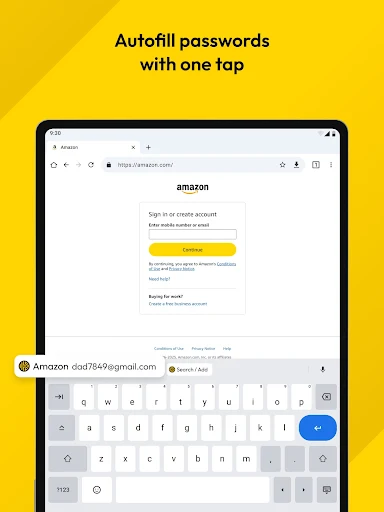
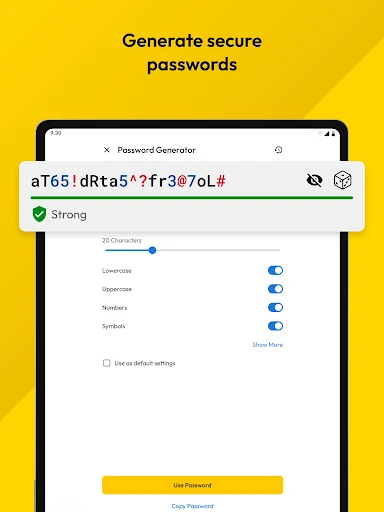
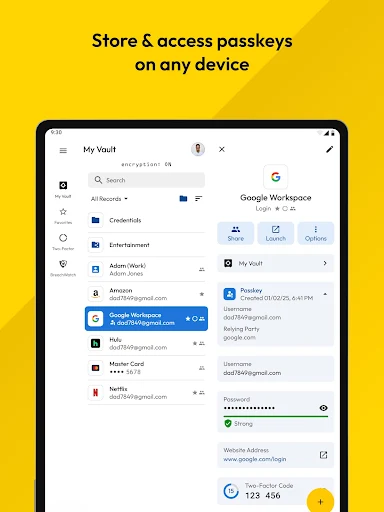
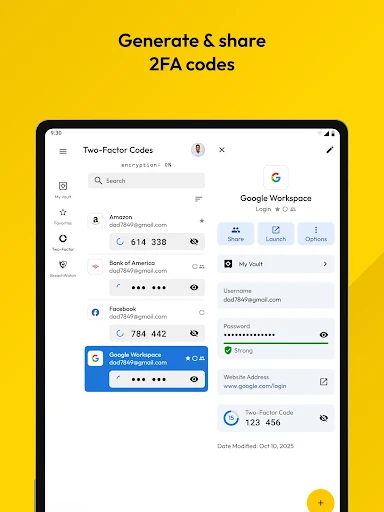
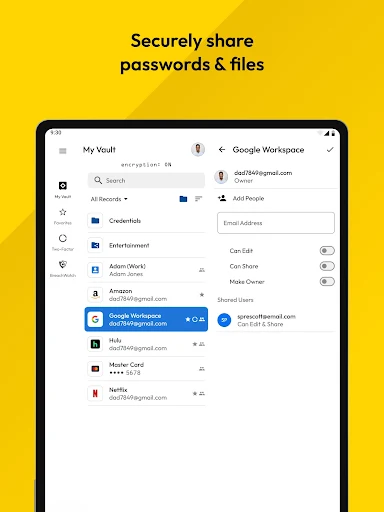
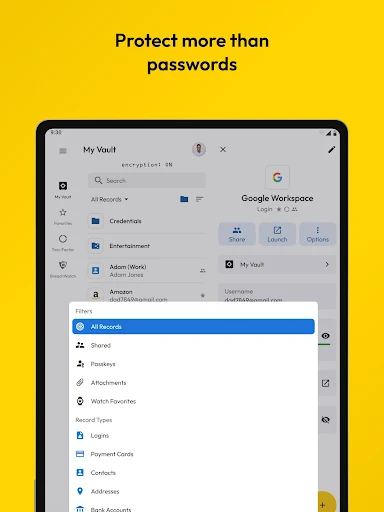
Keeper Password Manager is for people who want to keep login details in a searchable vault and use them across apps and websites. It can generate passwords, autofill saved credentials, and store passkeys and two-factor authentication codes. The vault can also hold sensitive records such as payment cards, identity documents and secure notes, so it may suit someone looking to gather more than passwords in one place.
Check the autofill access
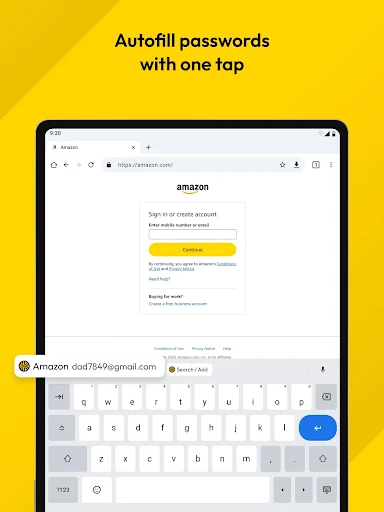
Keeper says its KeeperFill feature uses Android’s AccessibilityService API to autofill logins in mobile apps and browsers. That access is worth checking before you enable it: consider whether you want a password manager to interact with login fields in other apps, and read Android’s permission explanation and Keeper’s own details. The developer says records are encrypted on your device before they reach its servers; that describes its stated protection, not a reason to skip reviewing access settings.
Know what is included
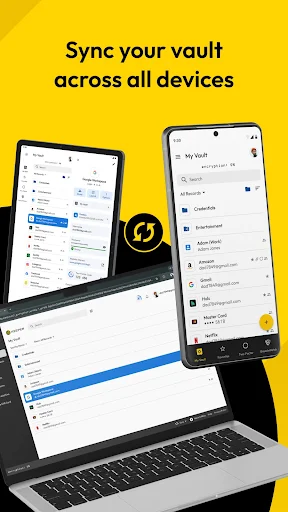
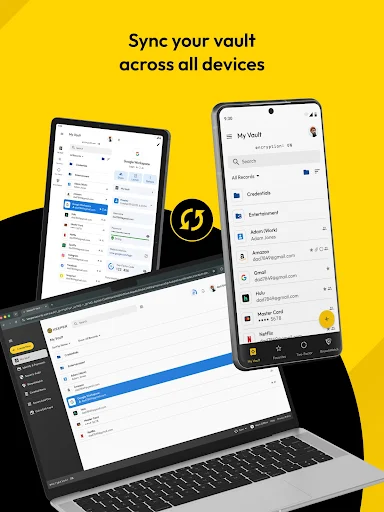
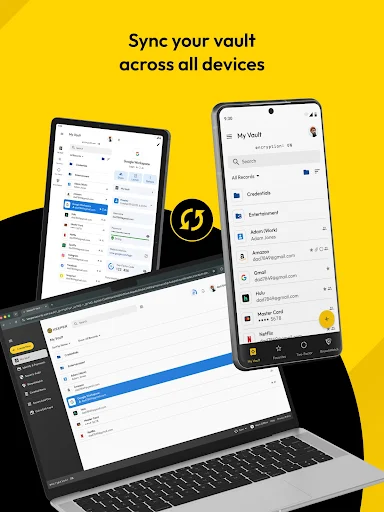
The app’s core purpose is managing passwords, but some of its listed capabilities may be tied to paid plans or in-app purchases. The supplied information does not establish which features are free, or what any upgrade costs. Before relying on features such as syncing, passkeys, breach monitoring or storing extra records, check the current listing and the app’s plan details. Also look at the listing’s file-size information: no size is provided here.
Before you decide
- Account: Check whether Keeper requires you to create an account, and what recovery options it offers. The supplied details do not specify the sign-up requirement.
- Scale: Keeper Security, Inc. is the developer. The app has a 4.7-out-of-5 rating from 111,843 ratings and more than 10 million installs; those figures indicate broad use, not whether its access or plan terms suit you.
- Fit: If you only need a place for a few passwords, compare the setup and plan limits with your needs before moving sensitive records into a new vault.