
Icon Pack Studio
Smart Launcher Team
Downloads
5,000,000+
Source
Google Play
Advertisement
Click to download now, finish the installation quickly, and directly unlock the all-round experience
Advertisement
Screenshots
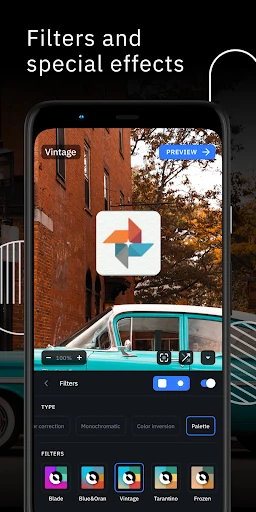
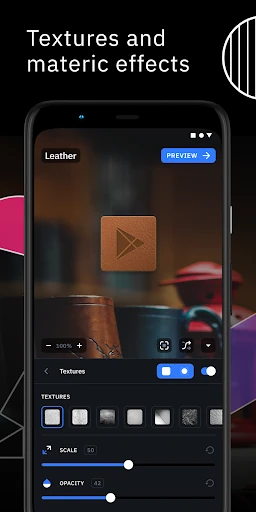
Click to download now, finish the installation quickly, and directly unlock the all-round experience
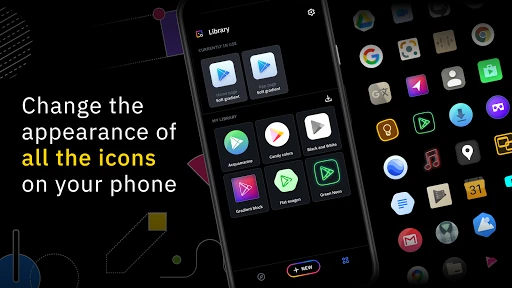
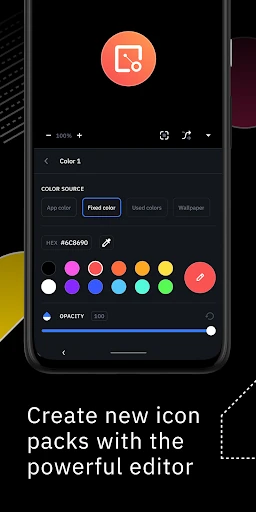
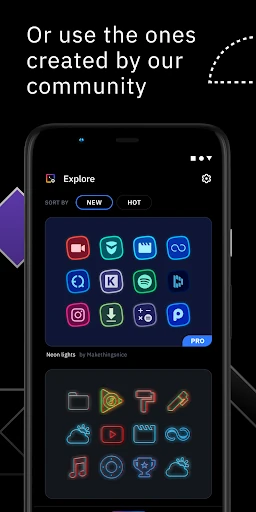
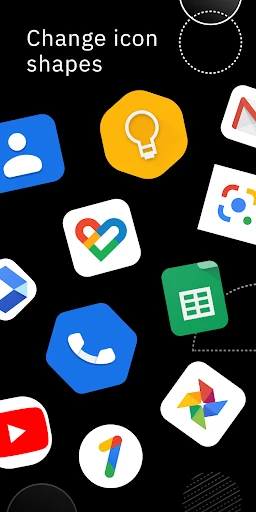
Icon Pack Studio lets you make an icon pack for your Android home screen, or import an icon pack already on your device and change it. Its editor can resize and reposition icon elements and add effects such as shadows, textures and bezels. You can then apply the result through a compatible launcher. It suits people who want to tune their icons rather than simply pick a ready-made set.
The app is designed for Smart Launcher and is also reported to work with many others, including Nova, Action, Lawnchair, Hyperion, Microsoft, Niagara and Poco Launcher. It does not support some home apps, including Pixel Launcher, Samsung One UI Home, Xperia Home and Huawei Launcher. If you are unsure which launcher your phone uses, check that before choosing this app; compatibility is the key practical limitation.
The supplied details do not specify the app’s permissions, storage size, in-app purchases or whether an account is required. Check those points on the app listing before deciding, especially if you only want to try a quick visual change. Also check how applying a pack works with your launcher: the pack is applied through a compatible launcher, not by changing the phone’s home-screen app itself.
Icon Pack Studio is from Smart Launcher Team and is listed in Personalization. Its rating is about 4.3 out of 5 from 18,124 ratings, with 5,000,000+ installs. Those figures indicate broad use, but they do not tell you whether your own launcher will work with it. If you already use a supported launcher and enjoy adjusting home-screen details, its create-and-edit tools may be a better fit than a fixed icon pack.