Advertisement
Click to download now, finish the installation quickly, and directly unlock the all-round experience
Advertisement
Screenshots
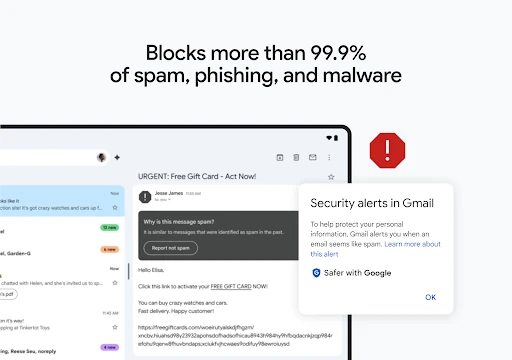
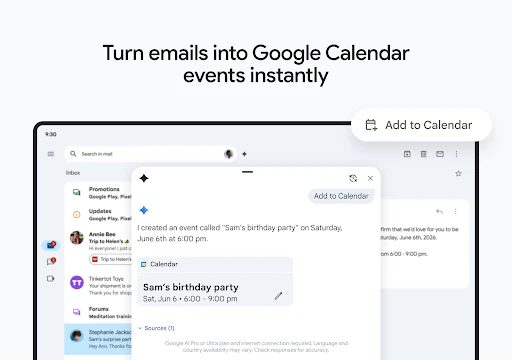
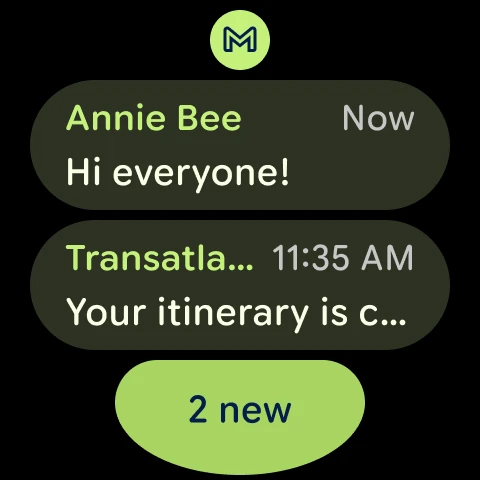
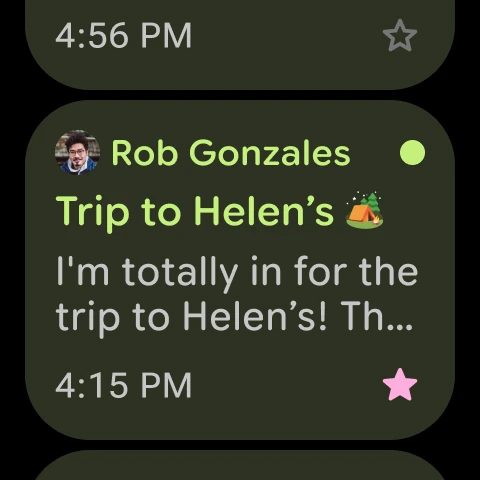
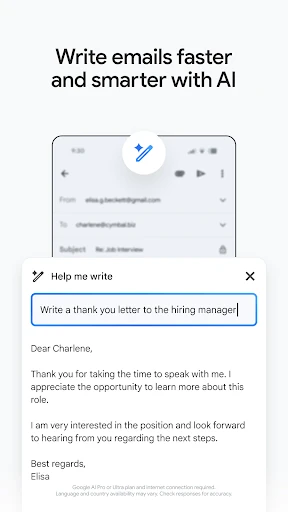
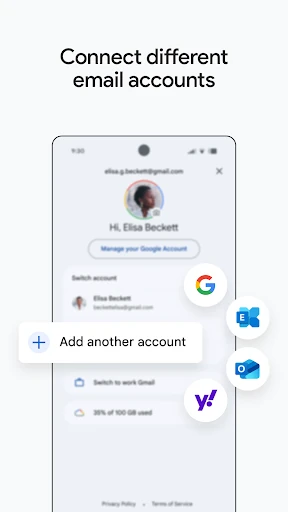
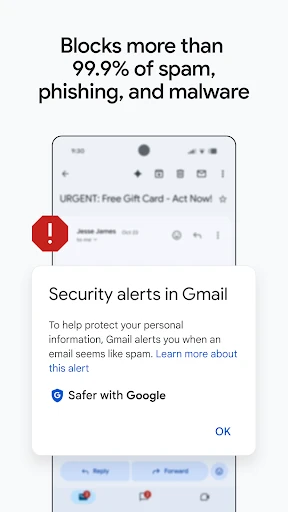
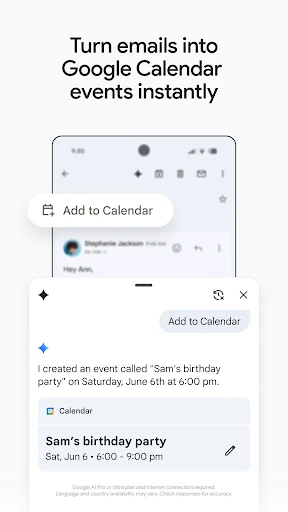
Click to download now, finish the installation quickly, and directly unlock the all-round experience
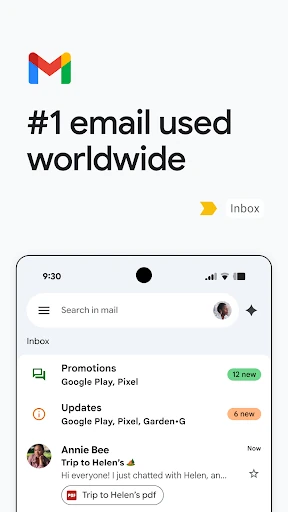
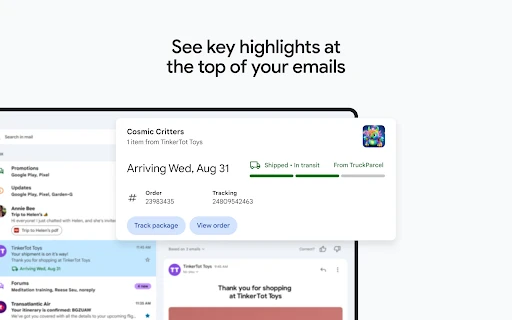
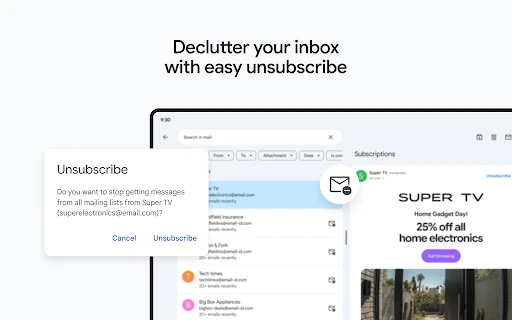
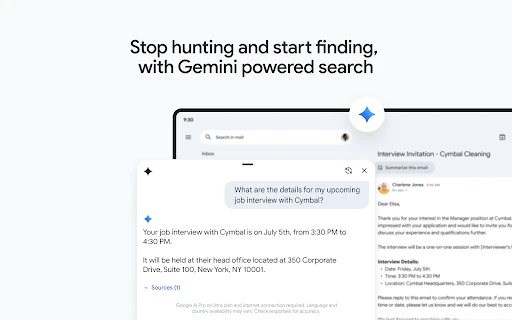
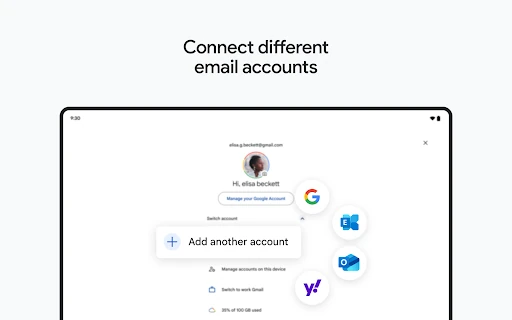
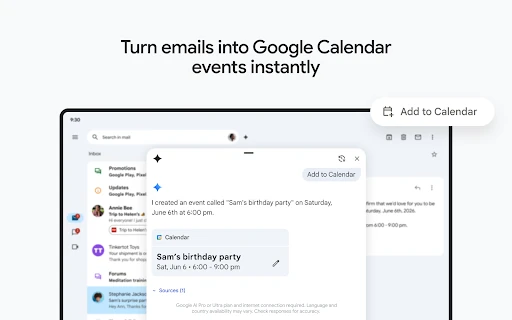
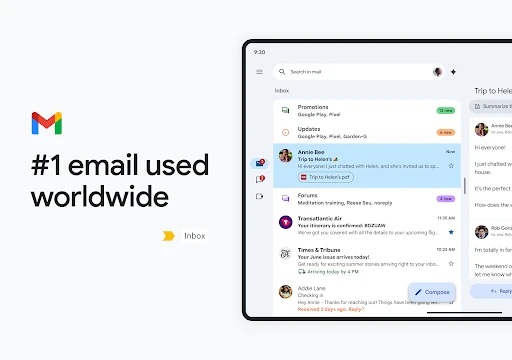
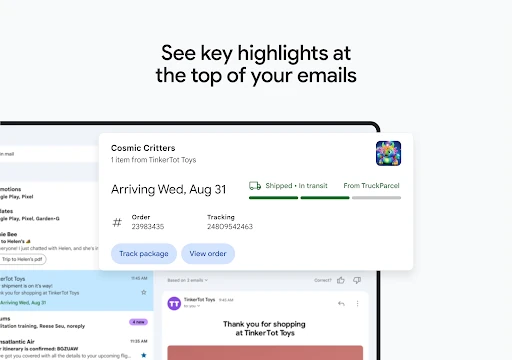
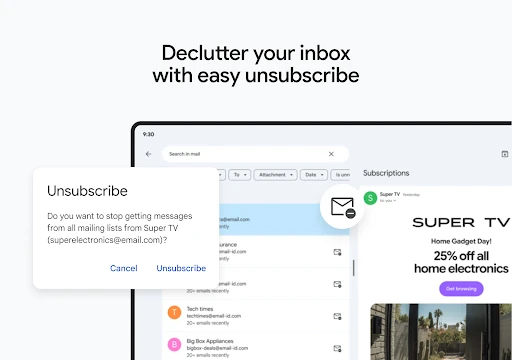
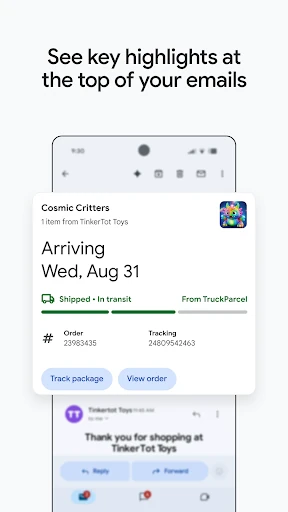
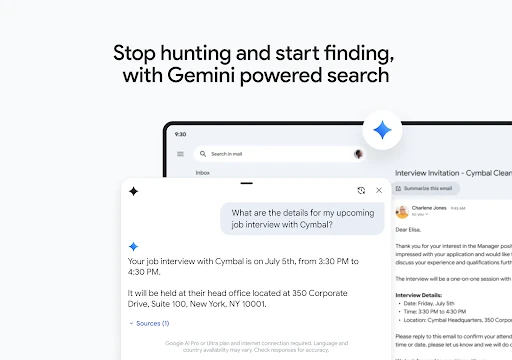
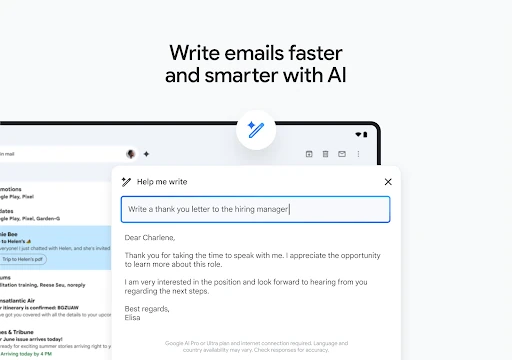
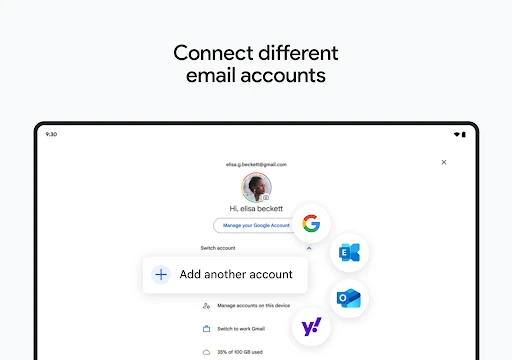
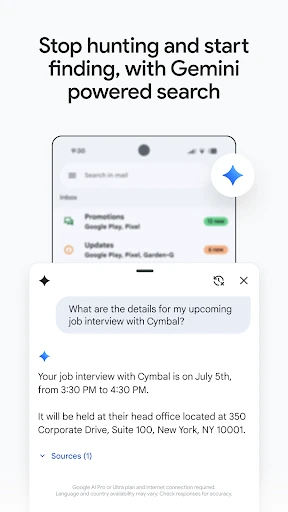
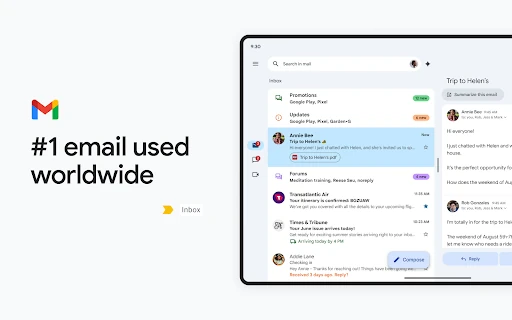
Gmail is Google’s email app for reading, sending and keeping track of messages. It suits people who want to manage a Gmail inbox on Android, and it can also bring other email accounts into the app. Search can help you find older messages without scrolling through the inbox. Google LLC develops Gmail.
You’ll need an email account to use Gmail. A Gmail address requires a Google account, while the app can also be used to manage other email providers’ accounts. If you don’t want to sign in or connect an inbox, this is not a useful install. Think, too, about whether you want work and personal mail together in one app.
Gmail has a 4.1 rating from about 14.2 million reviews and more than 10 billion installs. Those figures show broad use, but won’t tell you whether its account setup or inbox tools suit your routine. If you mainly need a place to check email, it may fit; if you want to avoid linking an account, look elsewhere.